[Fixed in ver7.1] [Edit] – [Select All] menu does not apply to Diagram Frame sometimes
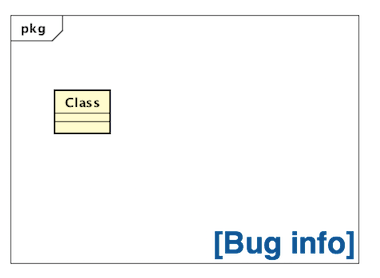
When you select [Edit] – [Select All] from tool menu, all the model elements would be selected but not Diagram Frame.

When you select [Edit] – [Select All] from tool menu, all the model elements would be selected but not Diagram Frame.
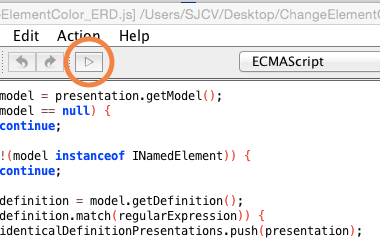
How to change the color of models based on its condition.
Astah 7.0 Released with new design, simplified menu, Retina, High-res display, Java8 and more!
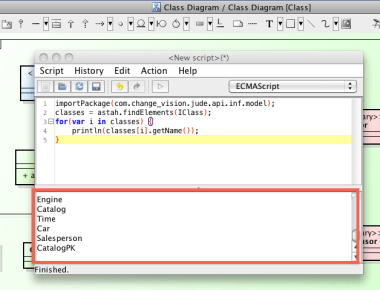
“Script Plug-in” is the easiest way to add customized features to Astah for your specific needs. Here’s a way to run your existing scripts on Astah version 7.0

How we use Hubot in the development of Astah products – especially for service integration.
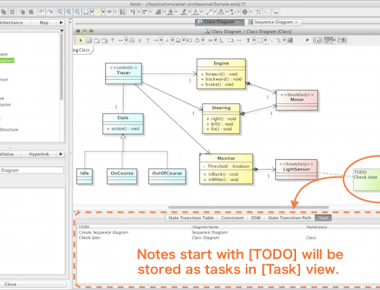
You can add Eclipse like [Task View] to Astah! 🙂
Now you can add reminder notes, “to-do”s to specific models as you model and show them in a list…
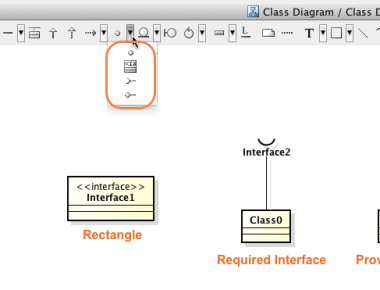
When you want to create Interfaces in rectangle shape in Astah.
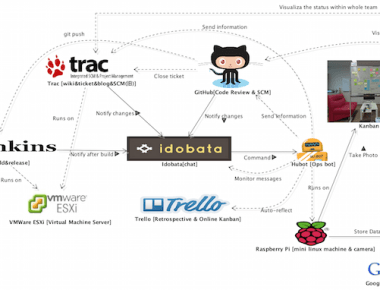
Introducing what development tools we are using to develop Astah
We will be running our maintenance on Change Vision Members site on April.15(Wed) 5:00am – 9:00pm EDT. During this time period, you aren’t able to: – sign up with Change Vision Members service – register […]
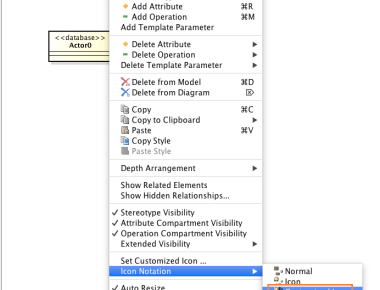
With Astah, you can add images which are associated with models stereotype. For example, when you want to show Database icon on UseCase diagram, this is how you do so. (1) Have an image file […]
 Astah in 5min