
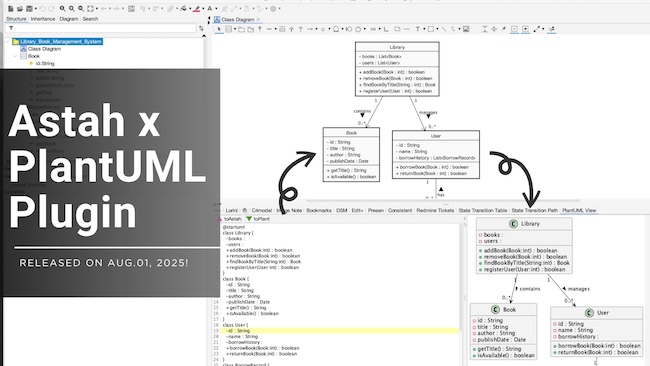
We’re excited to announce the release of Astah PlantUML Plugin v1.0.0 – now more powerful than ever!
This plugin lets you import PlantUML code into Astah and export Astah diagrams as PlantUML, enabling smooth, two-way conversion between the two formats.
In this latest release, we’ve expanded support for more diagram types and model elements than ever before. And now, it’s available for Astah UML as well as Astah Professional!
If you haven’t tried it in a while, now is the perfect time to explore what’s new.
What’s New in PlantUML Plugin v1.0.0?
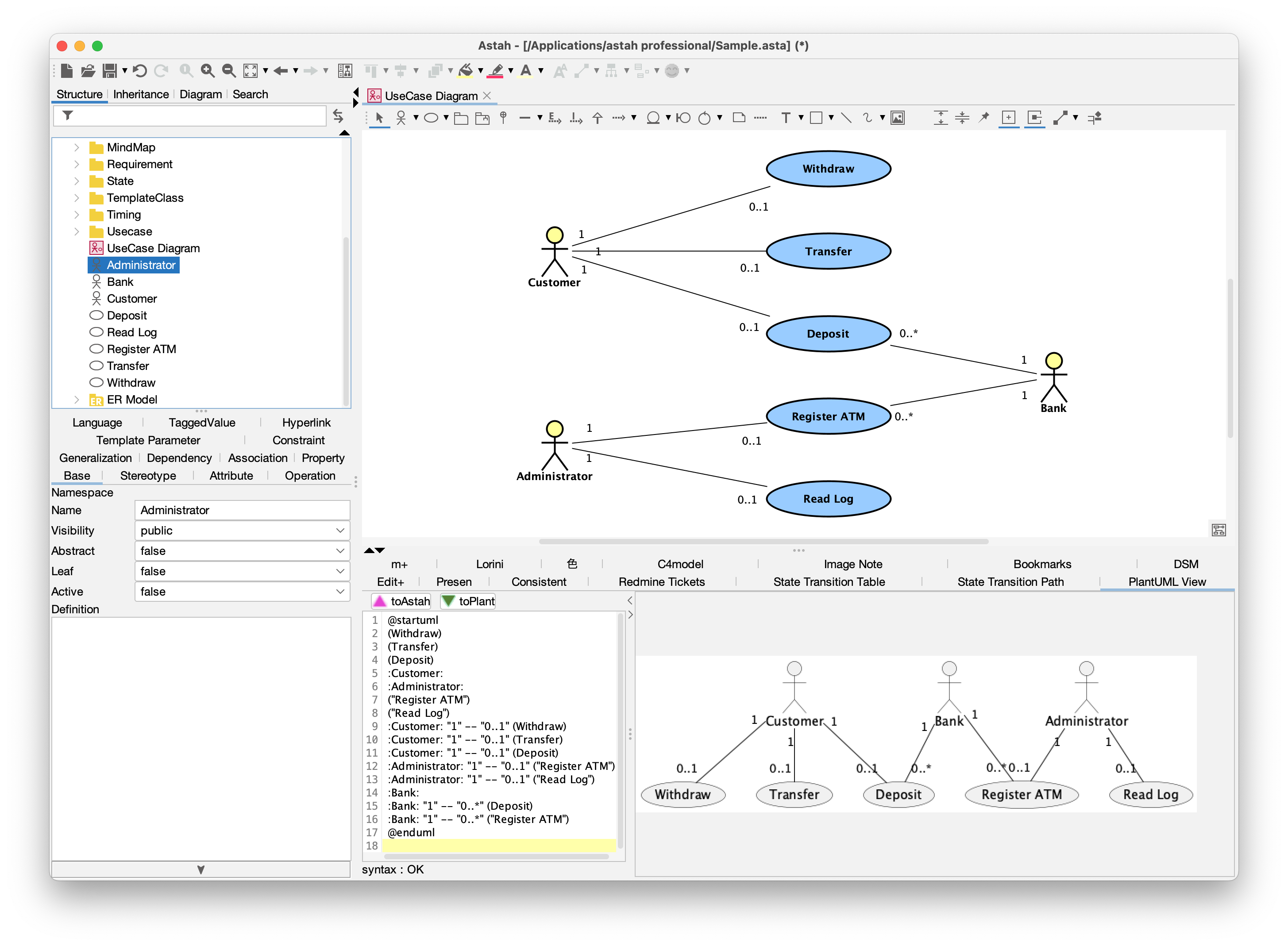
1. Support for UseCase Diagrams
You can now import and export UseCase Diagrams in addition to the previously supported diagram types.
2. Expanded Model Element Support Across Diagram Types
We’ve added many new notations for the existing supported diagram types: Class Diagrams, Sequence Diagrams, Activity Diagrams, and Statemachine Diagrams.
Highlights include:
- Common
- Notes
- Partial support for color styles
- Class Diagrams
- Stereotypes
- Multiplicity and labels displayed together
- Sequence Diagrams
- Create/Destroy messages
- Combined fragments (excluding multiple operands)
- State Machine Diagrams
- Triggers and guards
- Nested states
- Activity Diagrams (Legacy Notation)
- Join/Fork nodes
- Decision nodes
3. Improved Flexibility
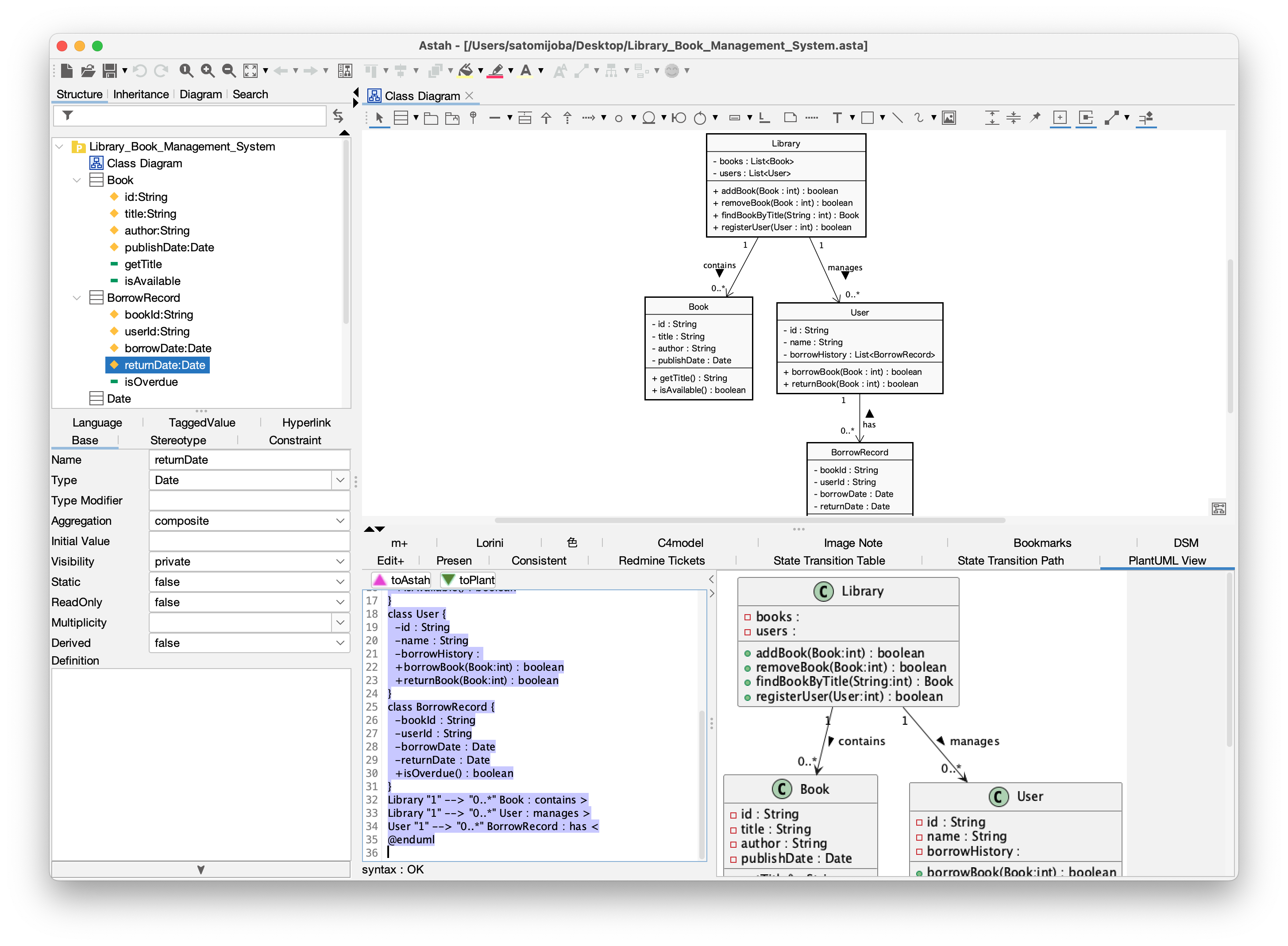
Previously, conversions could overwrite existing diagrams. Now, the plugin creates a new diagram every time you convert, allowing you tmore flexible workflows without altering your original models.
4. Now Supports Astah UML
The plugin was previously limited to Astah Professional, but it now supports Astah UML too!
PlantUML × Astah – The Best of Both Worlds
We designed this plugin to bring together the strengths of PlantUML and Astah models, so you can choose the right tool for every stage of your work.
PlantUML Advantages:
- Quickly create diagrams in a text-based format
- Great integration with Markdown and Git
- Great for exchanging design ideas with AI
Astah Advantages:
- Create and edit diagrams without learning PlantUML syntax
- Produce clear, visually optimized layouts
- Structure and track relationships between elements
- Maintain consistency across multiple diagrams
- Integrate with other models and access via APIs
Example Workflow Using the PlantUML Plugin
With the strengths of “Lightweight PlantUML” and “Detailed Modeling in Astah”, you can:
- Start diagramming quickly in text with PlantUML.
- Import into Astah to add details and expand your models.
- Export models as PlantUML code for AI analysis.
Read out blog post: “Astah x AI Integration – Part 1: Introduction to AI-Based Model Analysis” - Refine PlantUML code and re-import into Astah.
- Finalize your models using Astah’s powerful features – polish layouts, run scripts, and integrate with other tools via the API…etc.
Quickly capture ideas with PlantUML,
Grow them into detailed, connected models with Astah, and
Bring AI into your modeling workflow!
Try the New Version Today!
- PlantUML Plugin Latest version: 1.0.0 (Released on August 1st, 2025)
- Supported editions: Astah Professional / Astah UML v10.0 and later
Hope you enjoy using this plug-in!
If you have any questions or comments, please let us know.
– Astah Team
 Astah in 5min