

[Editions for: Astah Professional, Astah Community, Astah SysML and Astah GSN]
When you draw models, each model element will have shadow by default.
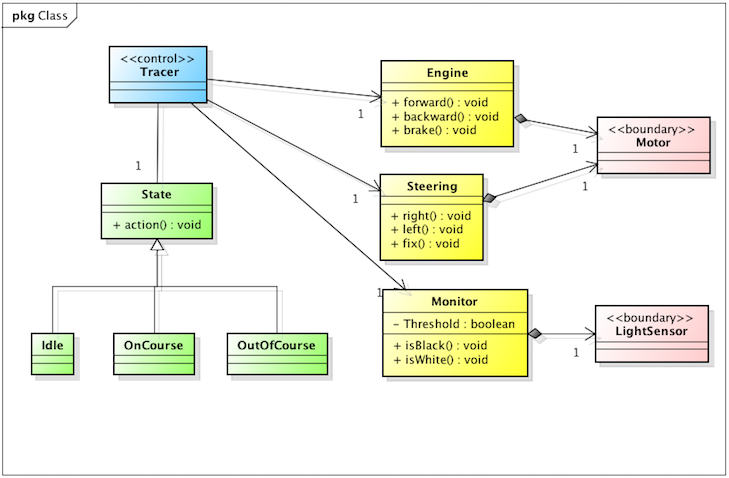 This is how to remove the shadow.
(1) Go to [Tool] – [System Properties] and select [Diagram Editor] from the left menu
(2) Take a check off from [Add shadow on model elements] and click [Apply] – [OK].
When you do this, make sure that [Apply the project settings to the current project] option is checked.
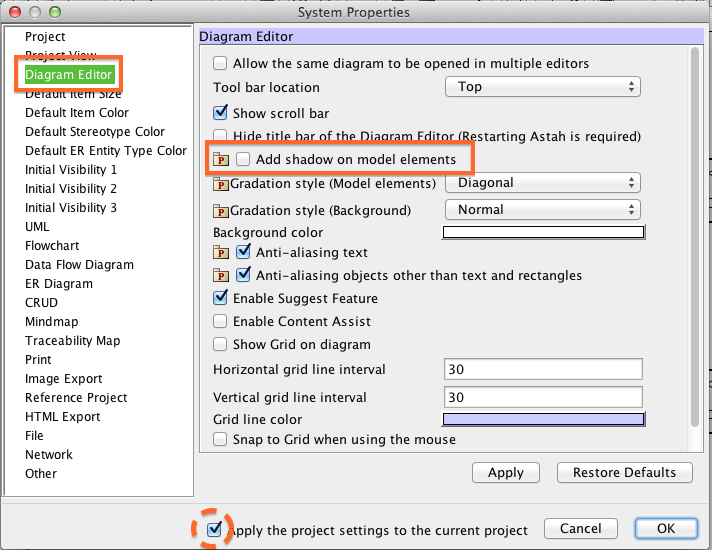
Astah System Properties
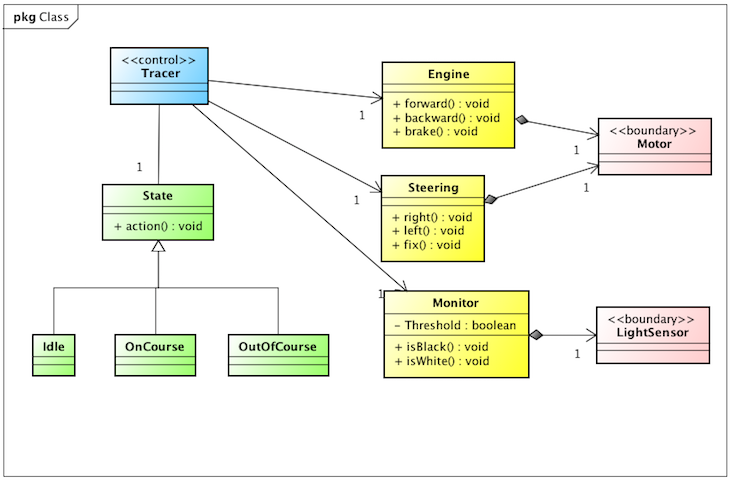
Here’s the same diagram without shadows.
Cheers,
SJ
 Astah in 5min
Thanks for sharing this vital info.