
Hello, this is Lily.
As you know, Astah is a cross-platform application – works on Windows, Linux and Mac.
So I’m using Astah on Ubuntu and Windows but one thing used to bug me. So I’ll share my past-pet peeve I had and its solution with you.
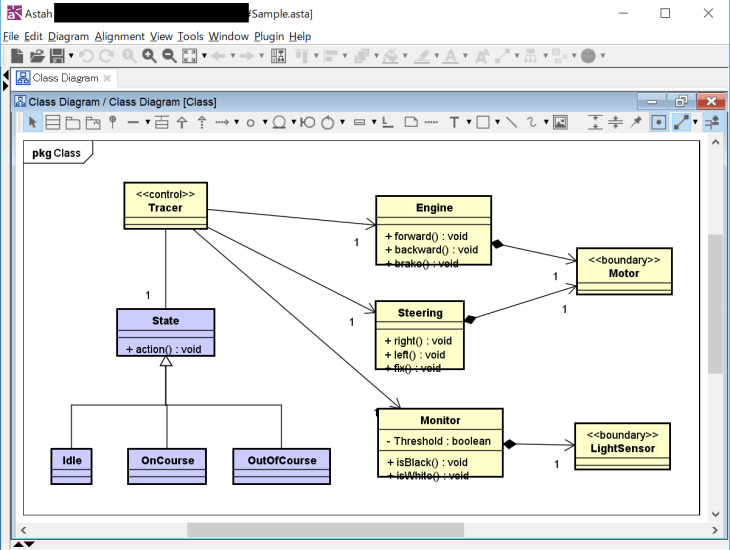
Usually I create a file on Ubuntu and later on I will open it on Windows. When I open it, diagram view gets a bit off.. like text sticking out from the box..etc.
-
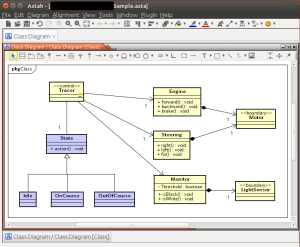
- Original File on Ubuntu

-
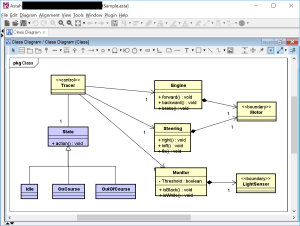
- Opened in on Windows

This happens because I use different font styles between Ubuntu and Windows. So using the same font style on both machines is a solution – how simple is that.
Open a font chooser dialog (Refer to “Change Font in diagrams“). Logical font is set as Astah’s default font.
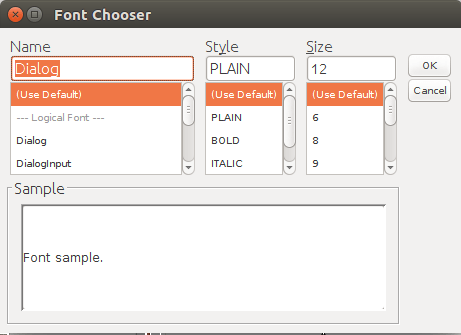
Change the font style to something that works on both machines. (I personally like IPA Fonts, so I downloaded it on my Ubuntu and Windows.).
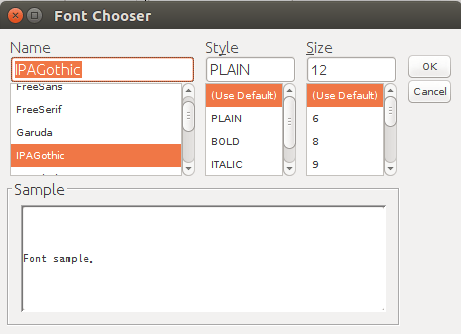
Once I’ve made the font setting consistent between Ubuntu and Windows, the diagram view never goes off, and I won’t have to fix each box to let the text fit inside..etc.!


If you are using multiple machines for yourself or often exchange .asta files between team members, you’d better set the same font for Astah on all the machines!

