Astah PlantUML Plugin 1.0.0 – A Major Upgrade!
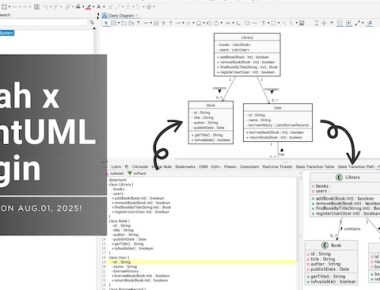
Draw in text. Refine in Astah. Work with AI. Meet the new PlantUML Plugin v1.0.0 for Astah.

Draw in text. Refine in Astah. Work with AI. Meet the new PlantUML Plugin v1.0.0 for Astah.

This is an introduction to our new modeling framework that makes high level requirements for safety, high reliability and availability of the system align with machine learning pipelines consistently. We will be featuring a clear […]
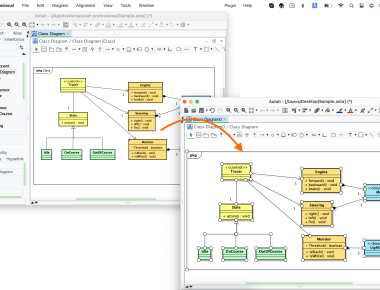
Recently, we’ve received the same inquiry from several users about how to share template file with others. Mostly from academia and a few from software development companies.

We’re happy to announce a new plug-in today which imports PlantUML diagrams to Astah and vice versa.
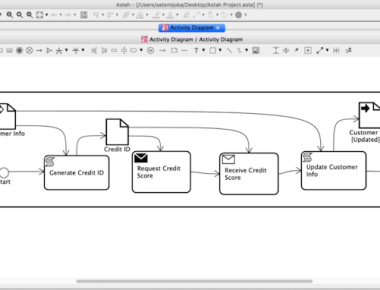
Introducing a little trick to add BPMN look and feel to UML Activity Diagram With Astah.
Start Online Mob Modeling with Astah and Miro!
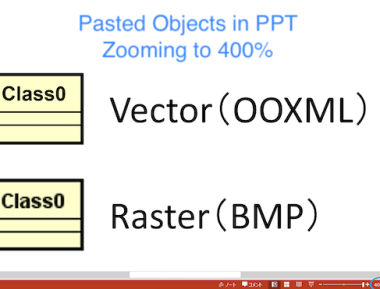
Did you know that you can export diagrams as vector type images?

I will teach you how to optimize your diagram quickly.
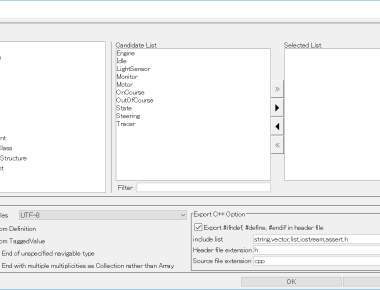
We are planning to release the next version of Astah on September 26, 2018.
In the Astah professional / UML version 8.0 the UI changes. The UI of Import/Export Java Source Code and Source Code Generation in C# / C++ is changed.
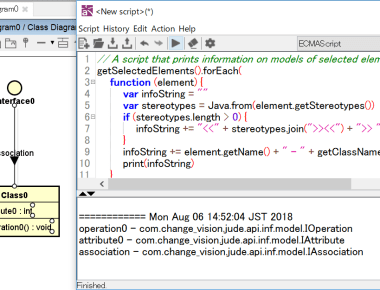
In the project file, models and presentations exist. The presentation has information on the appearance of the element. In many cases, the Astah API obtains information from these and rewrites it. If you use the API, you need to know what the model and presentation interface is. You can know it by looking at the List of supported models but it is a bit troublesome. So I wrote a script. Let’s easily examine the interface using this.
 Astah in 5min