Improve usability in 8.0 ~ select and drag ~
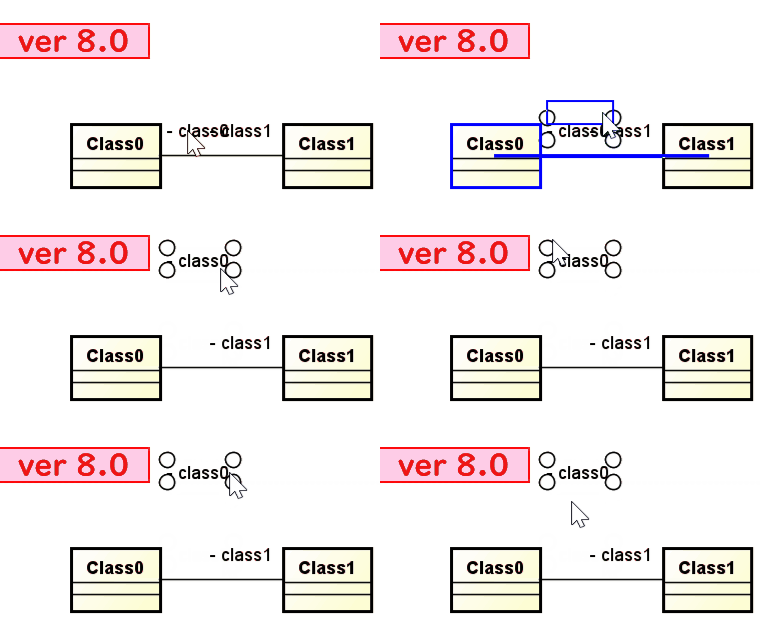
I will introduce two improvements in Version 8.0.

I will introduce two improvements in Version 8.0.
■Product and Version: Astah Professional, UML and Viewer | Version 8.0 ■Description: It takes long to load .asta files after updating to version 8.0. ■Workaround: Using Java version 1.8.0_144 for Astah can get you out […]
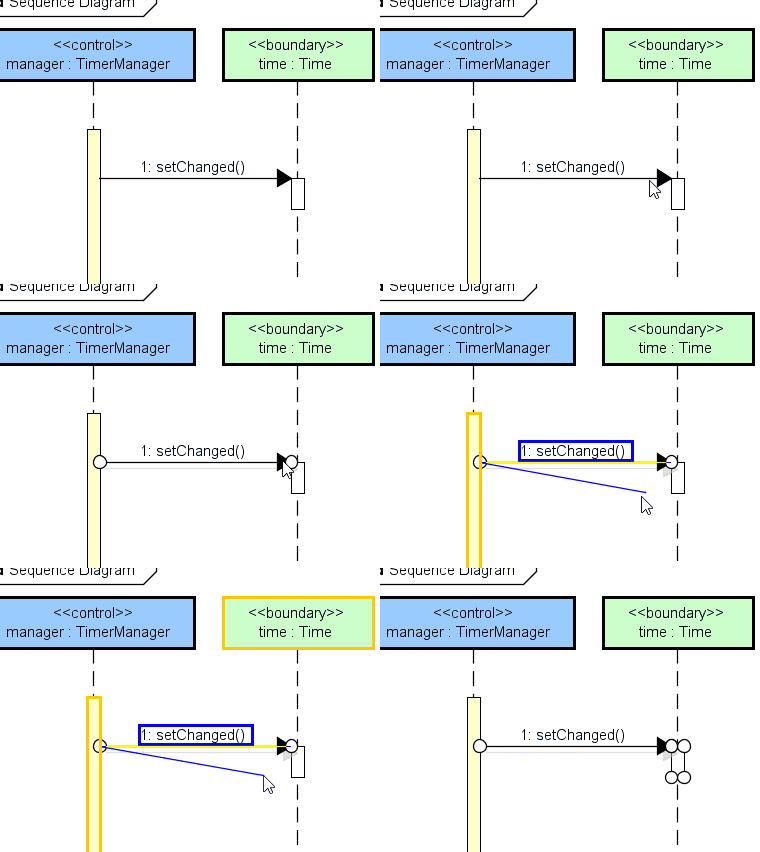
New version 8.0 has been released.
I introduce the usability improvement around resizing elements and replacing lines.

(Mac) Astah freezes when clicking on blank space in the Startup Screen
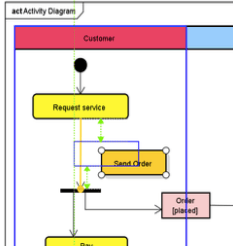
In Activity & Statemachine diagrams, insert new object by clicking on lines and existing ones by dragging.
We are planning to release the next version of Astah on September 26, 2018.
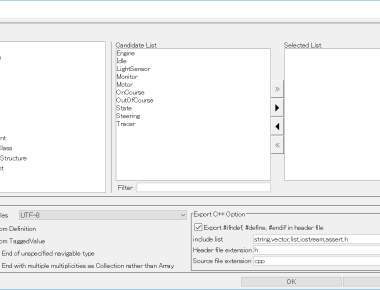
In the Astah professional / UML version 8.0 the UI changes. The UI of Import/Export Java Source Code and Source Code Generation in C# / C++ is changed.

I tell you the improvements on creating action and mind map topic in Astah 8.0. They are frequently used operations, I think that it is modest but effective.

Introduction how to create multiple Initial Pseudo States on aStatemachine Diagram in Astah.
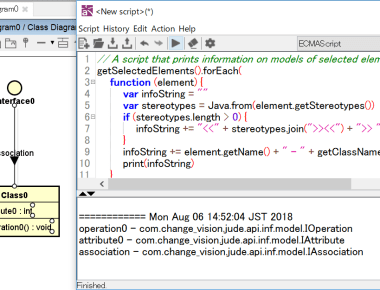
In the project file, models and presentations exist. The presentation has information on the appearance of the element. In many cases, the Astah API obtains information from these and rewrites it. If you use the API, you need to know what the model and presentation interface is. You can know it by looking at the List of supported models but it is a bit troublesome. So I wrote a script. Let’s easily examine the interface using this.
I introduce the main contents about the new version of Astah to you.

